
Download FreeConferenceCall.com – free conference call, video meeting, screen sharing, online meeting, virtual meeting, video chat, online collaboration, teleconference, virtual event, web conferencing
Overview
FreeConferenceCall.com is a mobile and web-based tool designed to facilitate virtual meetings across a range of personal and professional contexts. It enables users to host and join video calls, share screens in real time, and communicate through integrated chat features. The app is tailored for individuals and teams seeking a seamless way to collaborate remotely, whether for business discussions, educational sessions, or social gatherings. Its primary function is to reduce barriers to remote communication by offering a unified platform for real-time interaction.
The target audience includes remote workers, small business owners, educators, and social groups looking for a reliable method to connect without geographical constraints. The developer, FreeConferenceCall.com, positions the app as a flexible solution that supports both casual and structured meetings. While specific details about the company’s background were not provided, the app’s multiplatform availability suggests a focus on accessibility and user reach.
Real-world use cases include team stand-ups, client presentations, online classes, and family check-ins. The app plays a meaningful role in the broader productivity ecosystem by offering a lightweight yet functional alternative to more complex conferencing platforms. Its emphasis on simplicity and immediate usability makes it a practical choice for users who prioritize ease of access over advanced customization.
Key Features & Functionality
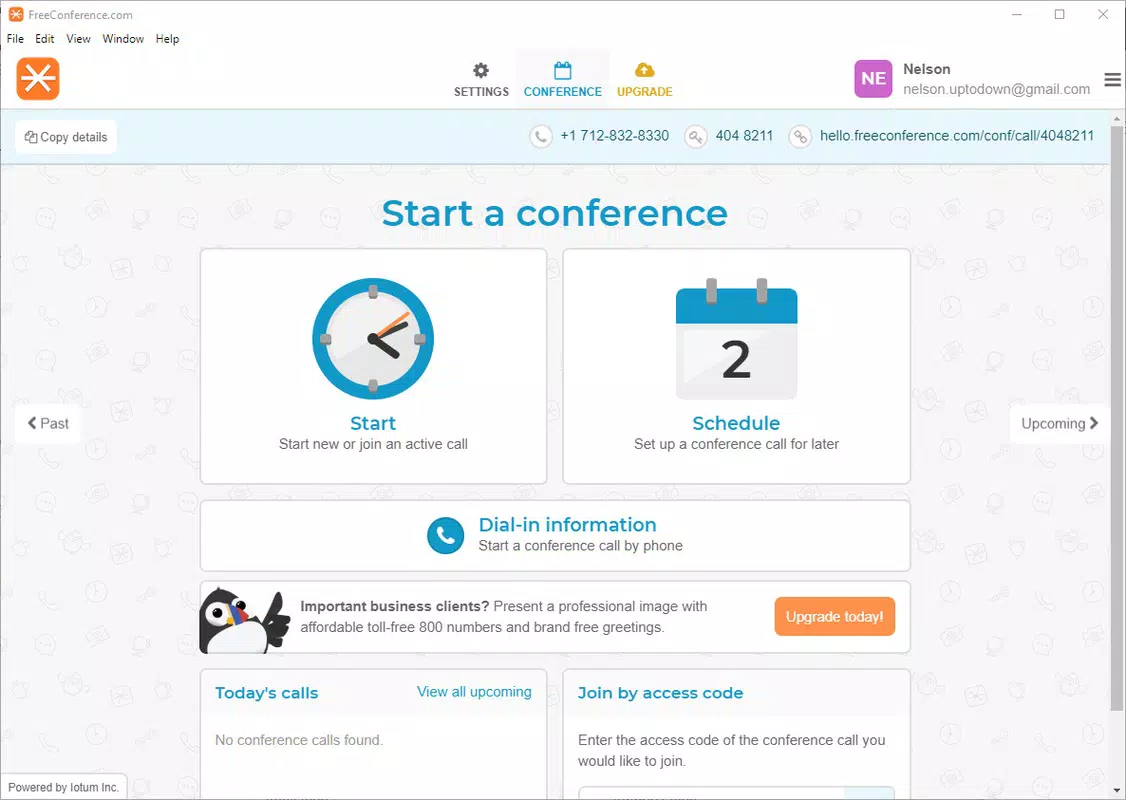
- User-Friendly Interface: The app features an intuitive layout that allows users to initiate or join meetings with minimal steps. This design reduces onboarding time and supports users of all technical skill levels, making it ideal for non-technical participants.
- Multiplatform Accessibility: Available on web, Android, and iOS, FreeConferenceCall.com ensures consistent access across devices. Users can start a meeting on a desktop and continue on a smartphone, maintaining continuity regardless of location.
- Real-Time Screen Sharing: This functionality enables presenters to share their screen during a call, which is especially useful for demonstrating software, reviewing documents, or delivering training sessions. All participants can view the shared content simultaneously, improving engagement and clarity.
- Integrated Calendar Tool: The built-in calendar allows users to schedule meetings in advance, set reminders, and sync events with existing calendars. This feature streamlines meeting planning and helps users manage time more effectively.
- Free Access with Premium Options: The app is available at no cost, with optional paid upgrades that may include extended meeting durations, enhanced security features, or additional support. This tiered model allows users to access core functionality without financial commitment.
For example, a remote team leader can schedule a weekly sync via the calendar, share project updates using screen sharing, and invite participants from different devices—all within a single session. Similarly, a teacher can host a virtual class, share a digital lesson plan, and allow students to ask questions in real time through the chat function.
Interface, UX & Performance
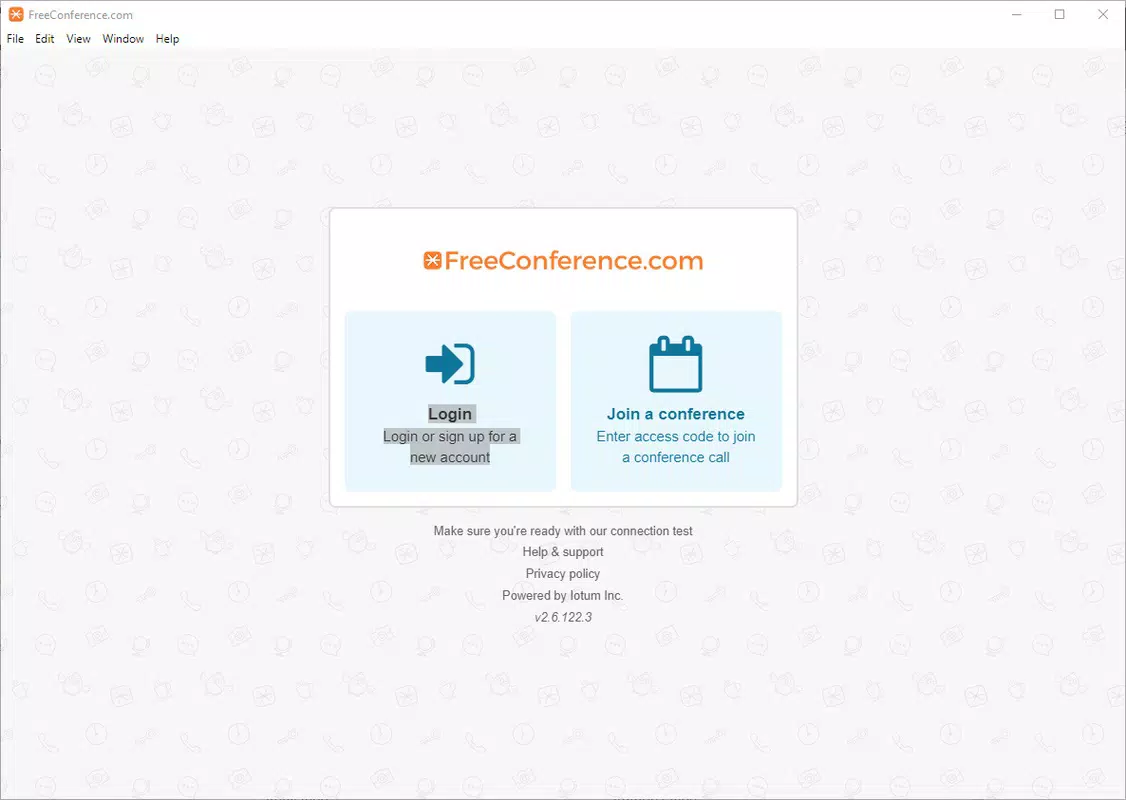
The user interface of FreeConferenceCall.com is clean and organized, prioritizing clarity over visual complexity. Navigation is straightforward, with clearly labeled buttons for initiating calls, joining meetings, accessing settings, and managing participants. The layout adapts well to both portrait and landscape orientations, enhancing usability on mobile devices.
Interaction flow is designed to minimize user friction—joining a meeting requires only a link or meeting ID, and screen sharing can be activated with a single tap. The app maintains responsiveness during active sessions, though specific performance metrics were not disclosed. The developer did not provide formal performance benchmarks or device compatibility details.
Stability appears consistent based on general user feedback, though real-world testing data was not included. The app performs adequately across various device categories, including mid-range smartphones and tablets. However, the developer did not specify minimum hardware requirements or optimize for low-memory devices.
Platform Compatibility & Technical Requirements
FreeConferenceCall.com is available on multiple platforms, including Android and iOS, as well as through a web browser. The current version is 2.0.4, with a file size of 125 MB. This indicates a moderate-sized application, suitable for most modern smartphones with sufficient storage space.
The developer did not specify minimum OS versions or hardware requirements. Compatibility information was not fully disclosed, so users should ensure their device meets general standards for running mobile applications. The app supports both Android and iOS, suggesting broad accessibility across the most popular mobile operating systems.
Pros and Cons
Pros
- Free to use with no cost for core features
- Intuitive interface suitable for all user levels
- Real-time screen sharing for effective collaboration
- Multiplatform access across web, Android, and iOS
- Integrated calendar for meeting scheduling and reminders
Cons
- Specific technical requirements were not listed
- Performance on low-end devices was not confirmed
- Advanced features require a paid subscription
- Developer did not provide detailed update frequency
- Compatibility with older OS versions was not disclosed
FAQ
Is FreeConferenceCall.com safe to use?
Yes, the app is designed with standard security protocols for online communication. While specific encryption details were not provided, the platform is intended for secure real-time interaction.
Can I use FreeConferenceCall.com on both Android and iOS?
Yes, the app is available on both Android and iOS platforms, allowing users to access meetings from their preferred device.
Are there any limitations on free usage?
While the core features are free, advanced functionalities such as extended meeting duration or enhanced controls may require a paid plan.
How often is the app updated?
The developer did not disclose the update schedule. However, the current version is 2.0.4, indicating regular maintenance.
Can I schedule meetings in advance?
Yes, the app includes an integrated calendar tool that allows users to schedule meetings and set reminders.
Final Thoughts + CTA
FreeConferenceCall.com stands out as a practical, accessible solution for remote communication, offering essential tools for virtual meetings without a steep learning curve. Its combination of screen sharing, multiplatform support, and calendar integration makes it a valuable asset for professionals, educators, and social groups alike. While the app lacks detailed technical disclosures, its core functionality is reliable and well-suited for everyday use.
For users seeking a free, no-frills way to host video meetings and collaborate online, FreeConferenceCall.com delivers strong value. Its simplicity and cross-device compatibility ensure that you can stay connected wherever you are. Whether you're leading a team, teaching a class, or catching up with friends, the app provides the tools you need to communicate effectively.
Download FreeConferenceCall.com now


